
 Italiano
 English
 Deutsch
 Français
 Español
 简体中文
 日本語

Windows
v2.0.0Installer for 64-bit Windows PCs.
Other formats
Native apps for Windows, macOS, Linux and Android. Free, no account, and your notes stay yours.
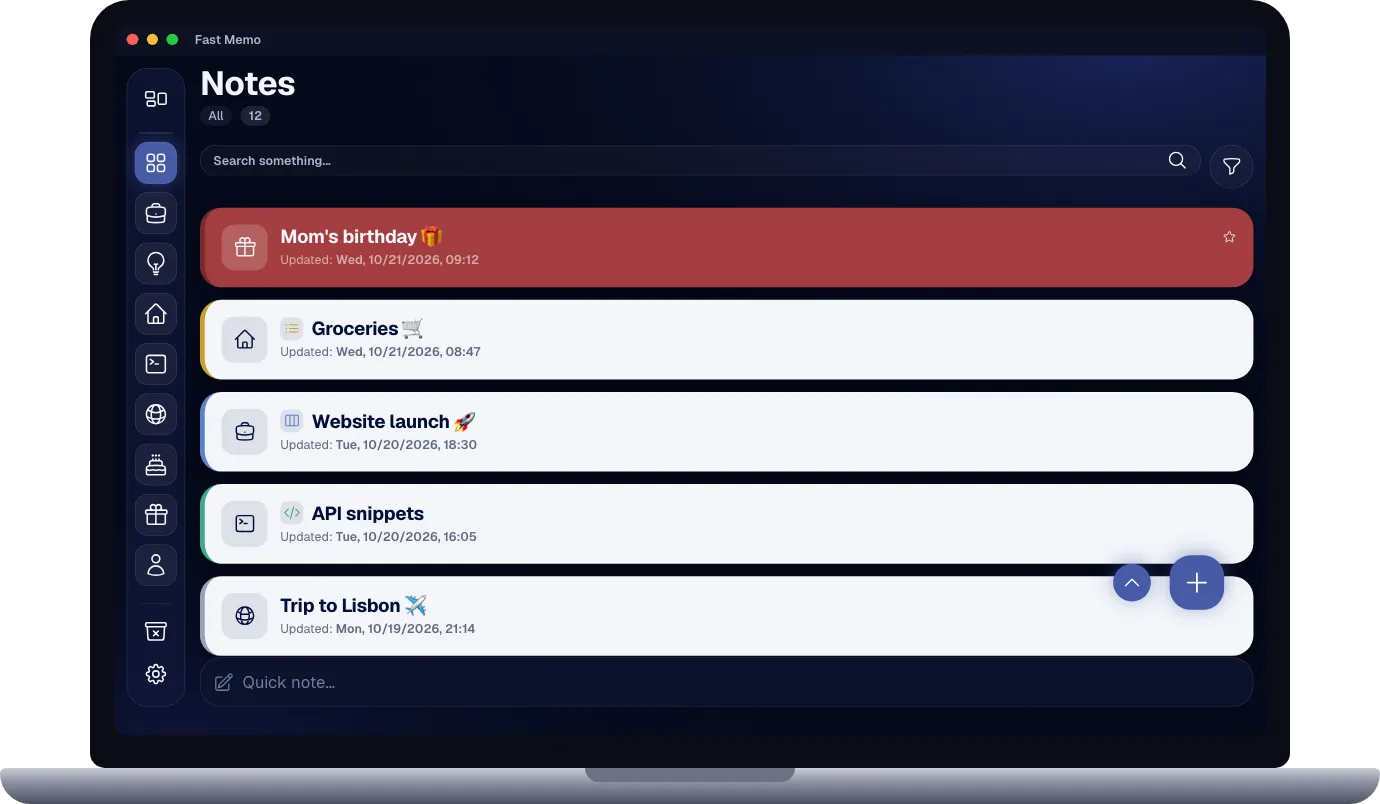
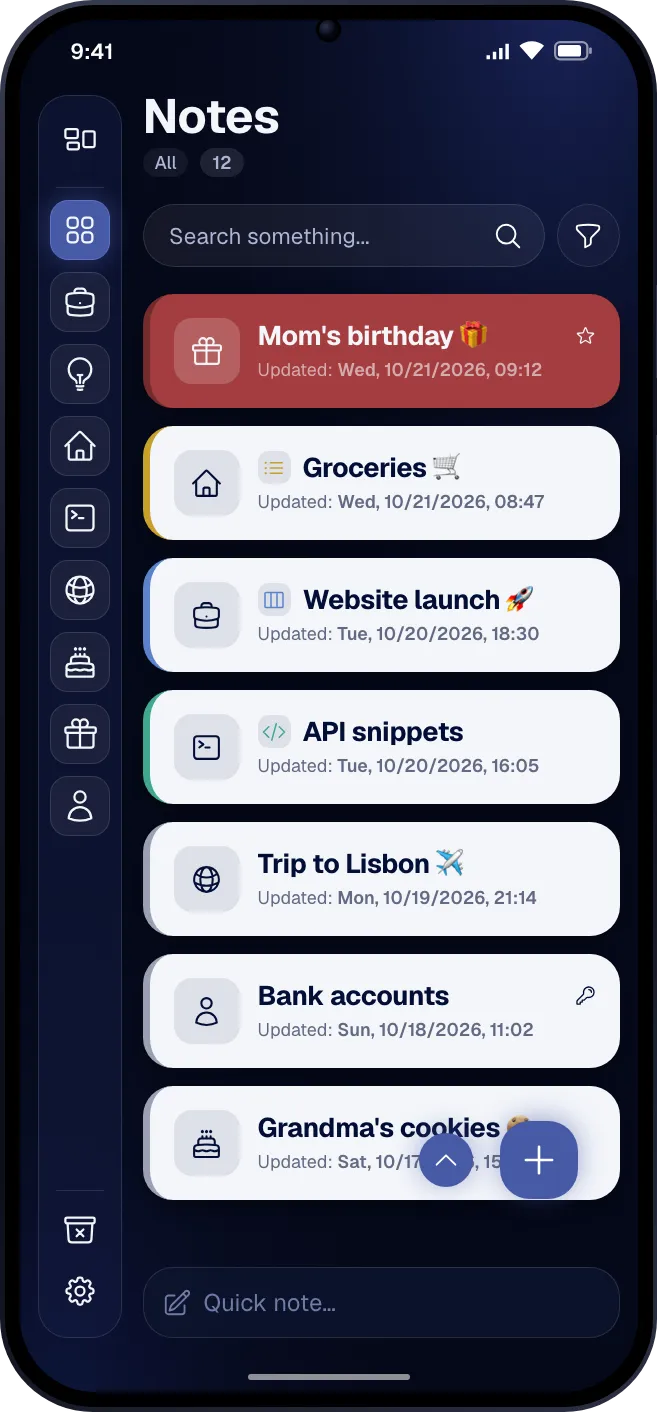 End-to-end encrypted sync100% open source
The same app on every screen. Install it wherever you write, and keep your notes in sync between your devices.
Installer for 64-bit Windows PCs.
Other formats

Native builds for Apple Silicon and Intel Macs.
Other formats

A portable AppImage, or a package for your distro.
Other formats

Android 6.0 or higher.
A warning the first time you open it?The desktop builds aren't code-signed, so Windows and macOS may ask you to confirm the first time you open Fast Memo: the link under their download shows what to do.
Every line of Fast Memo is public. Run FastMemo Server on a PC, a NAS, a Raspberry Pi or a VPS: no Google, no limits set by someone else, and your notes travel end-to-end encrypted.
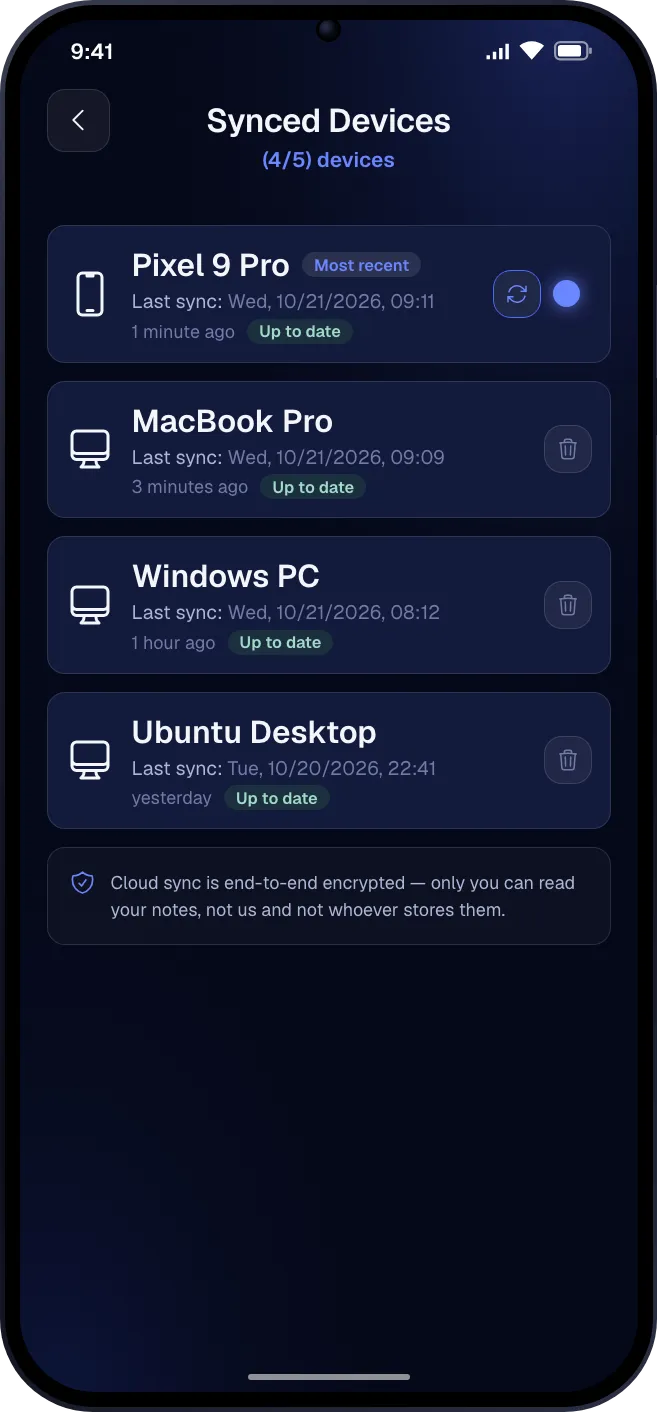 Self-hosted sync
 The iOS app is no longer available on the App Store.