
 Italiano
 English
 Deutsch
 Français
 Español
 简体中文
简体中文 日本語
日本語 Source code
Self-host FastMemo Server
Run your own sync server with Docker and connect your devices.
Everything you need to take notes, from a shopping list to a line of code. Free forever, no account, open source.
 Android
 Windows
 macOS
macOS Linux
Linux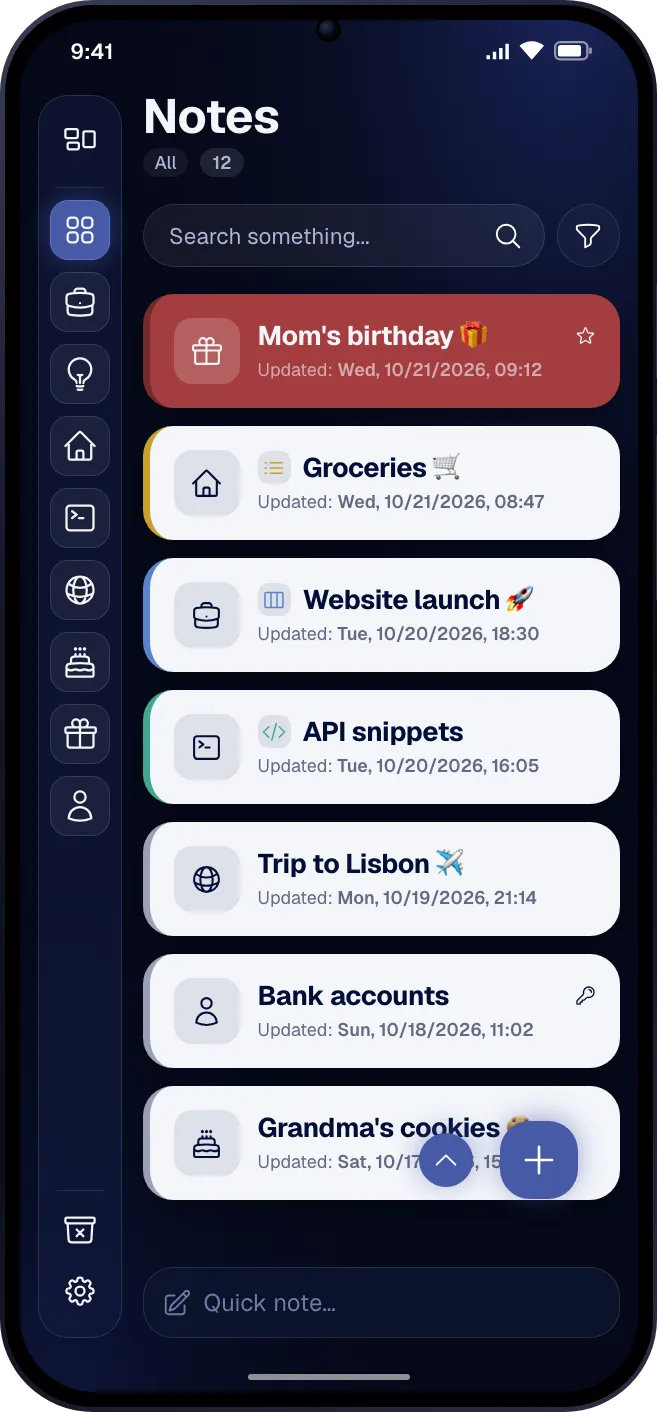 To-doKanbanCodeText
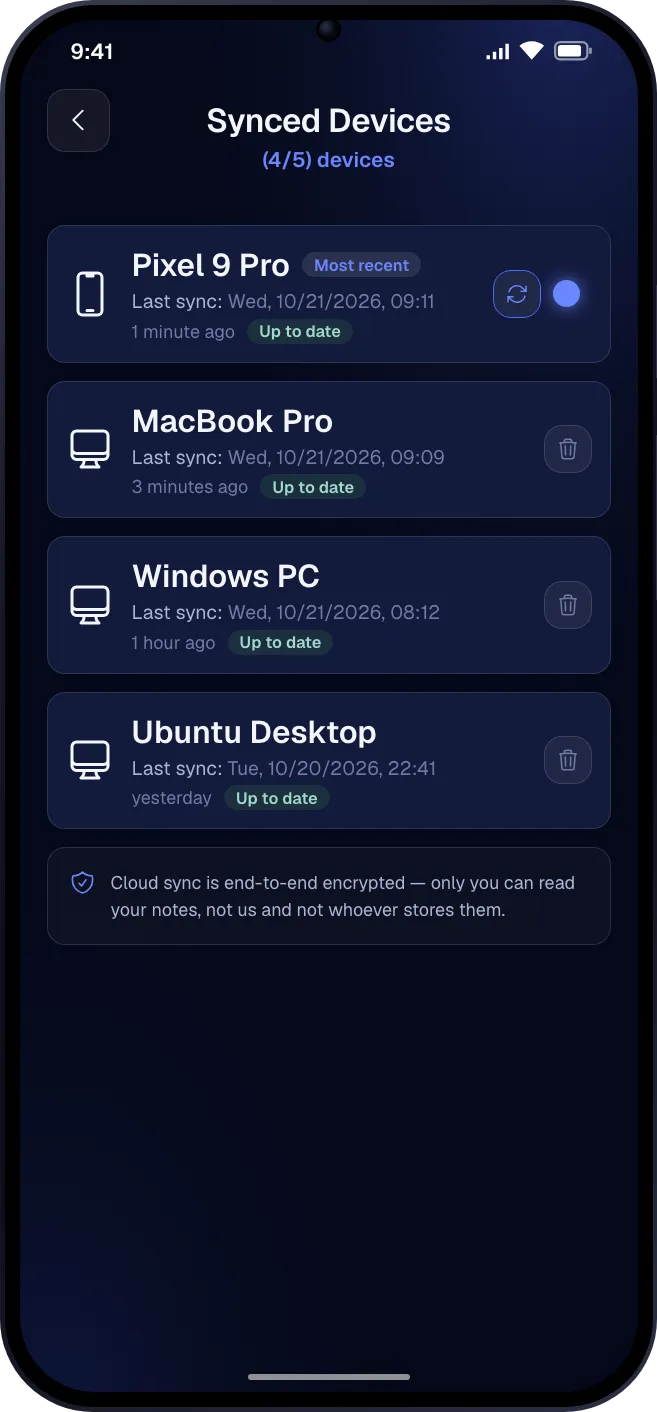 End-to-end encryptedFingerprint lock
Fast Memo has no login and no central database. Notes leave your device encrypted and go where you decide: not even the person who built the app can see them.
Create a free Google Firebase project by following the guide. The data lives in your account and you share it with no one.
FastMemo Server, open source, runs on your PC, NAS or Raspberry Pi. No dependence on Google, no data shared, and you set the limits.
Notes are encrypted on your device with a password only you know. What reaches the cloud is unreadable.
Most apps give you plain notes for free and charge for the rest. Here every note type is included, and your categories sit in the left sidebar: one tap to switch folders.
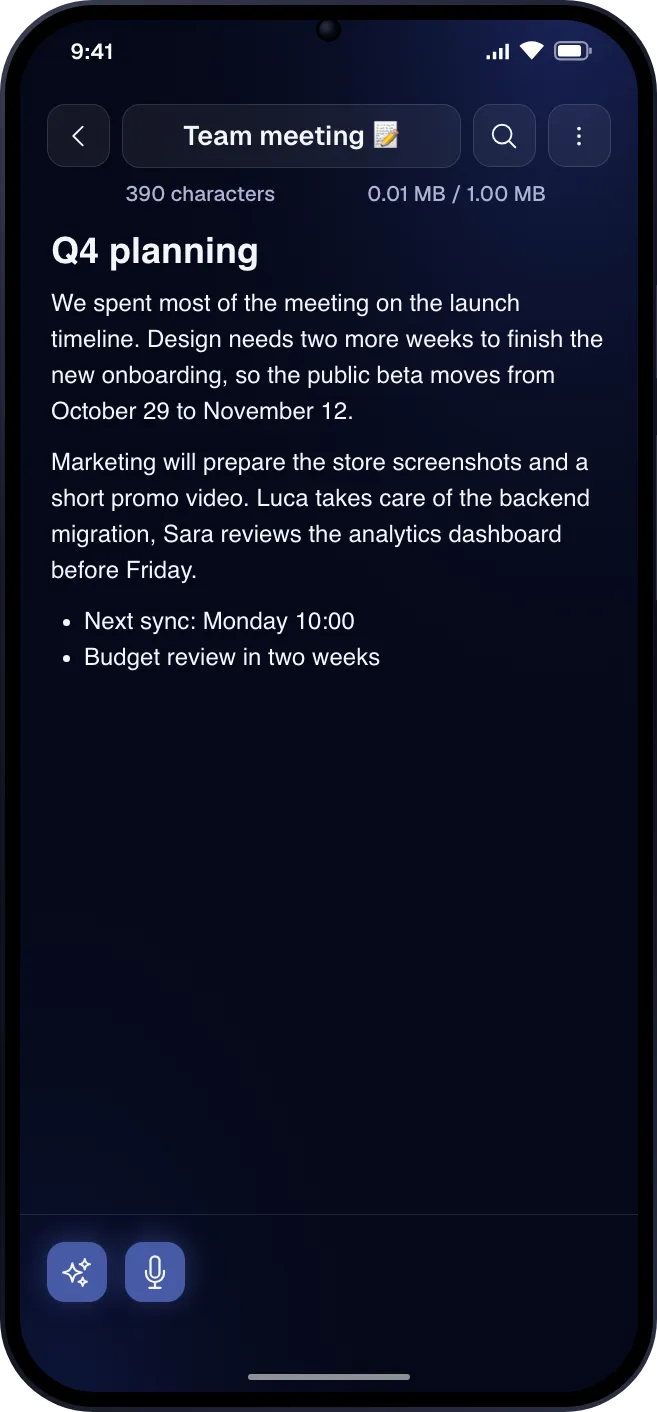
Headings, lists, images and formatting, from the toolbar at the bottom. For notes, drafts and thoughts that need more than one line.
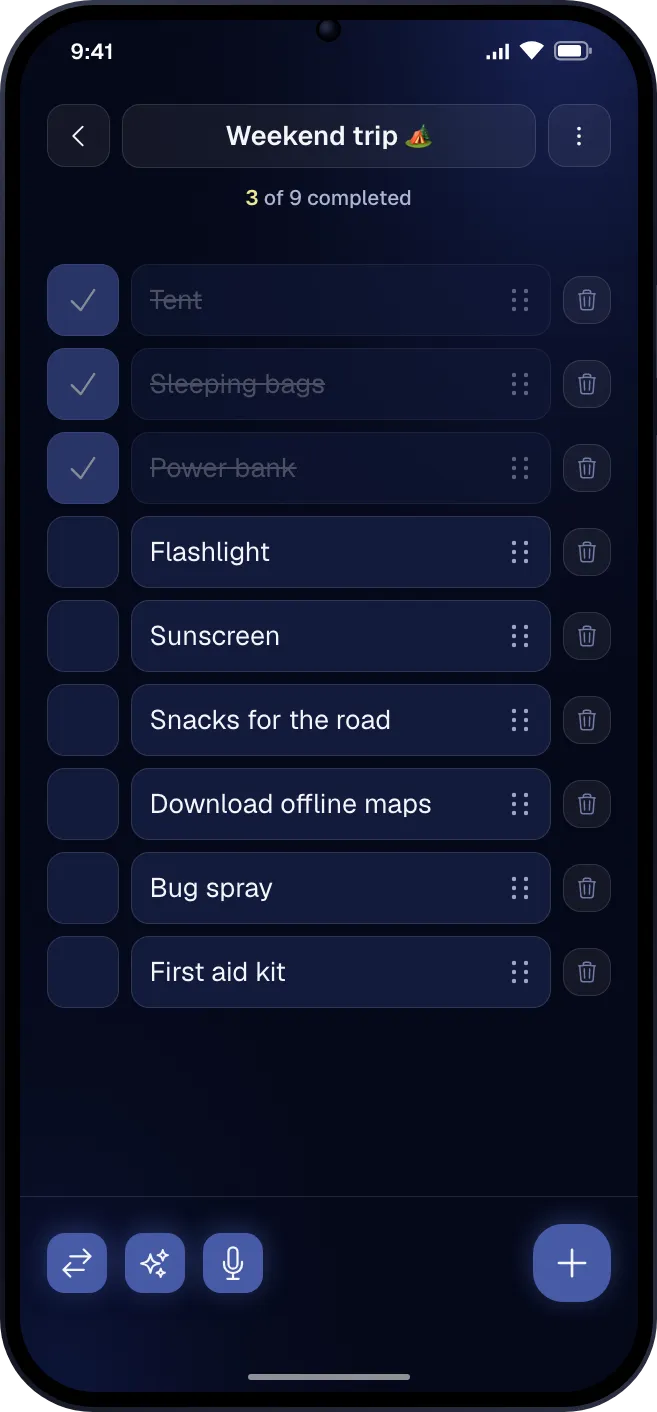
Tick items off, drag them into order and see at a glance how many are left.
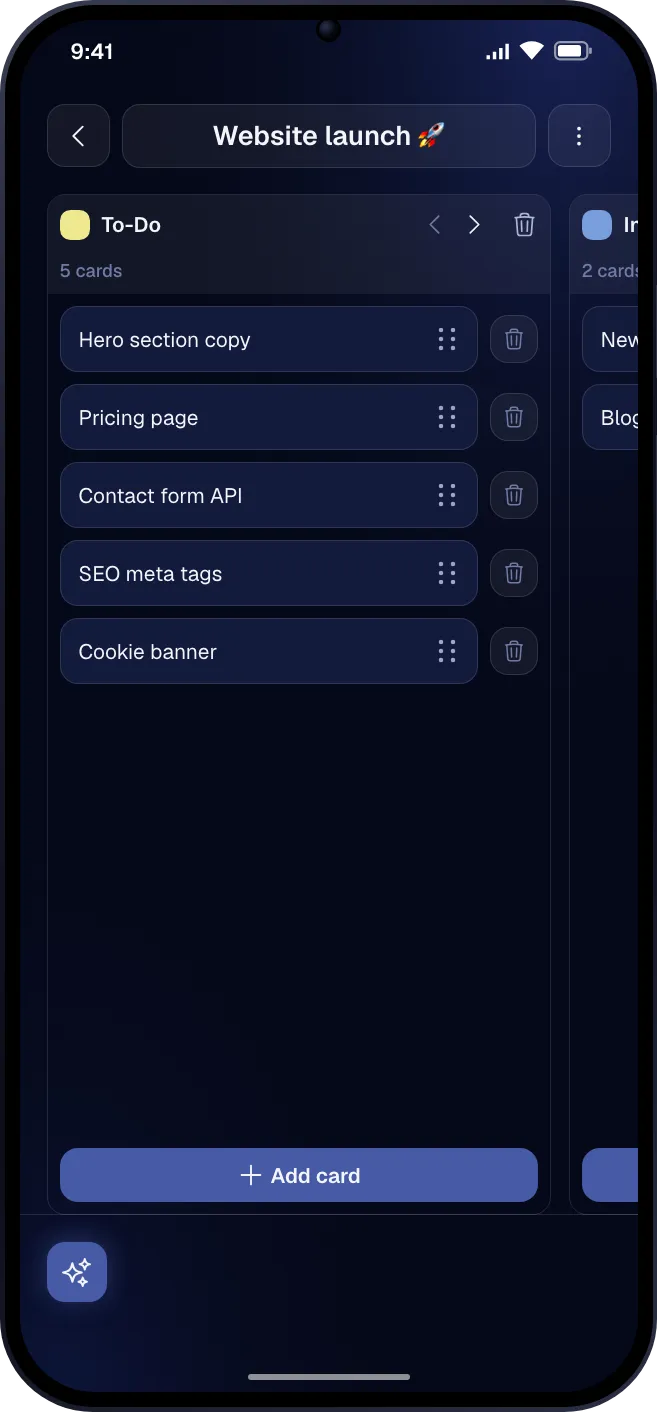
Columns and cards you move with a finger: a house move, a launch, the week ahead.
Syntax highlighting for 30+ languages, several tabs in one note, find and replace.
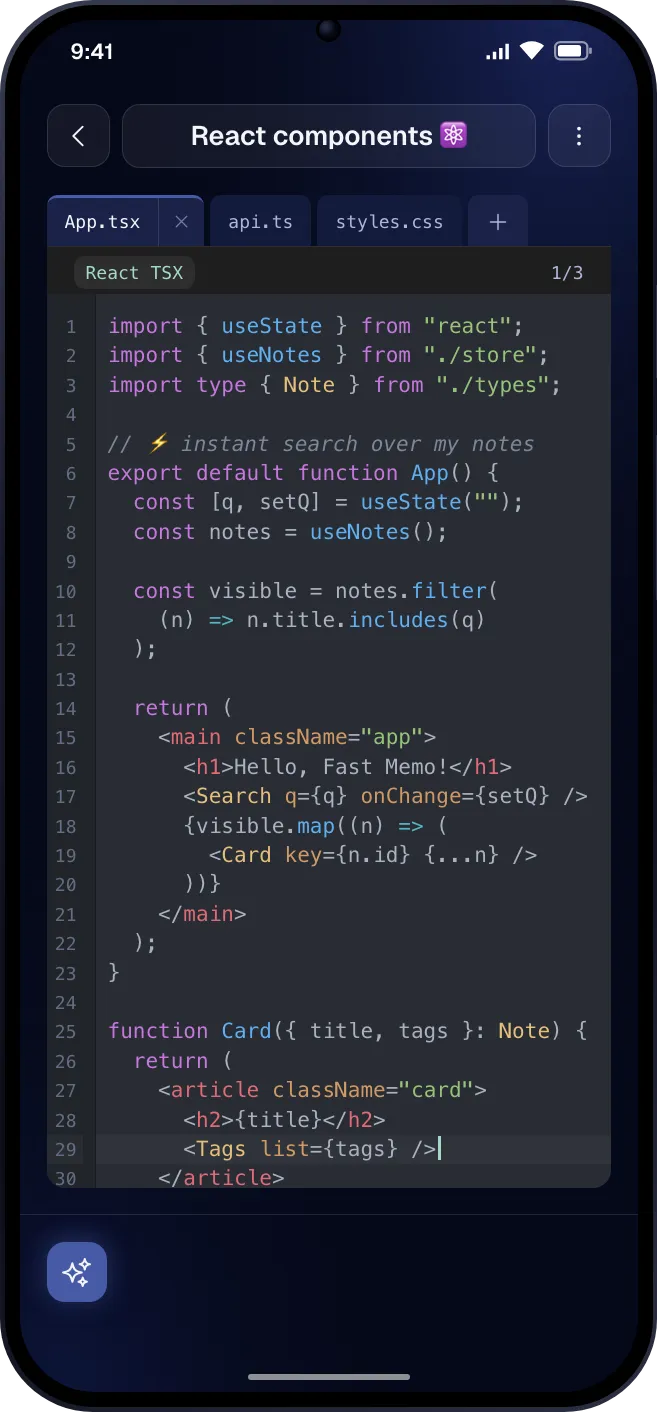
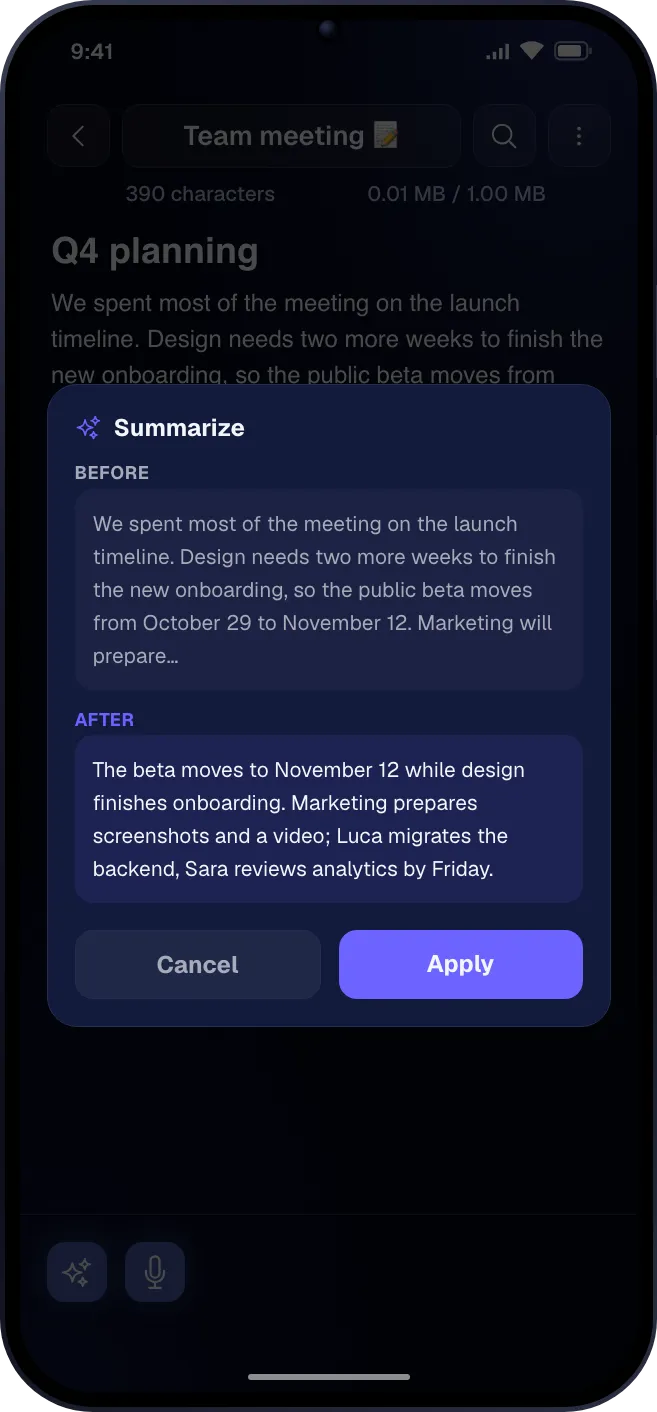 Fix grammarTranslateGenerate title
A language model that runs on the device, even without a connection. Ask it to summarize a note, give it a title or turn it into a checklist, by typing or by voice.
What you can ask
Android, Windows, macOS and Linux: the same app and the same notes, in sync on all your devices.
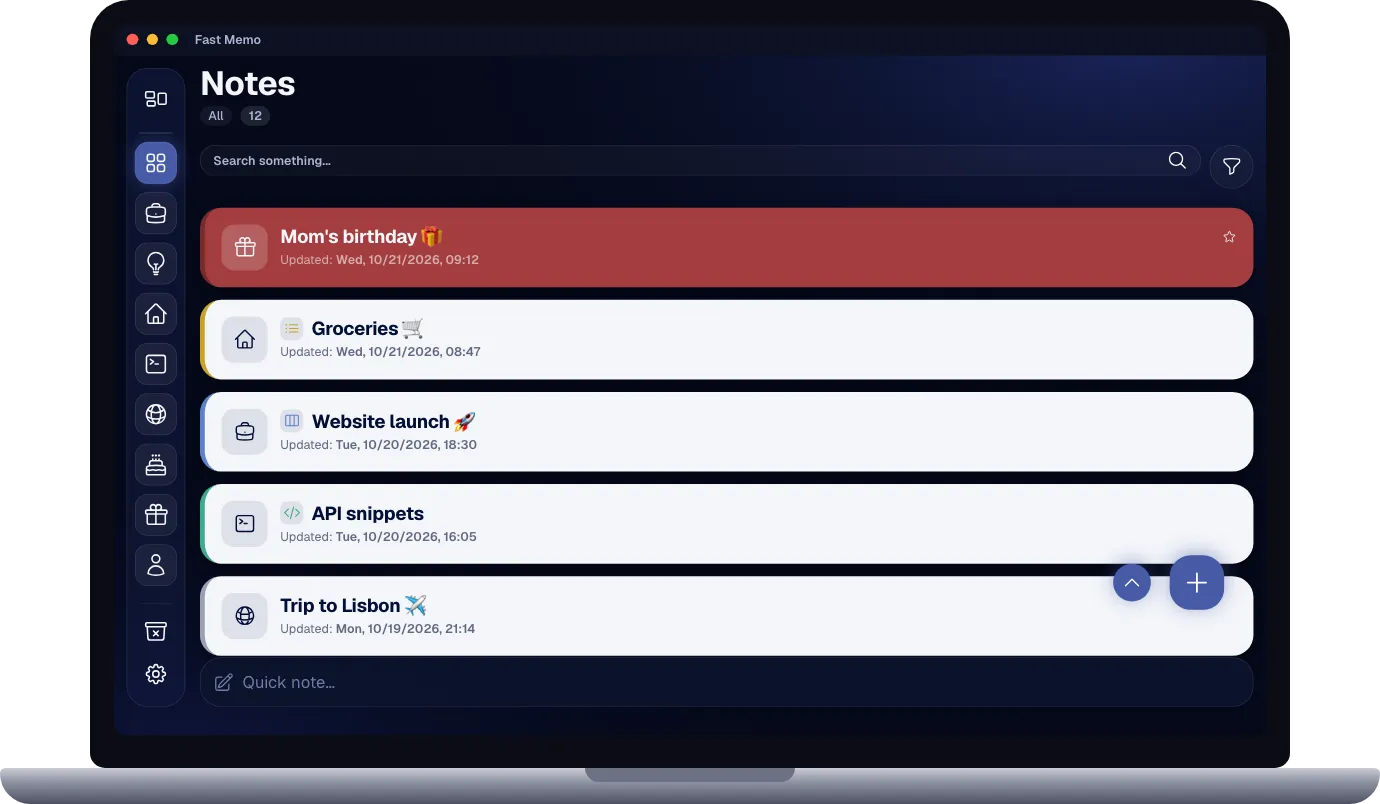
What Fast Memo users wrote about it.
A perfect note app, with added pin security. The best thing I found are the category icons.
Great note app, better than censored. More intuitive and with more features.
Very easy to use it!
Perfect
Optimal nice app
The best note-taking app available on the store. Fast, simple, and ad-free.
This app is amazing
The most powerful app for notes
Step-by-step guides to create your own Firebase, start your own server, turn on the AI on your phone and send your notes anywhere with webhooks.
Run your own sync server with Docker and connect your devices.
Download a model and start using on-device AI on your phone.
Create your own Firebase project and sync your notes for free.
Send your notes to other apps and services as they change.

Free since day one, and it will stay that way: no ads, no paywall, no account. Download it and write your first note.